AI Auto-Scheduling
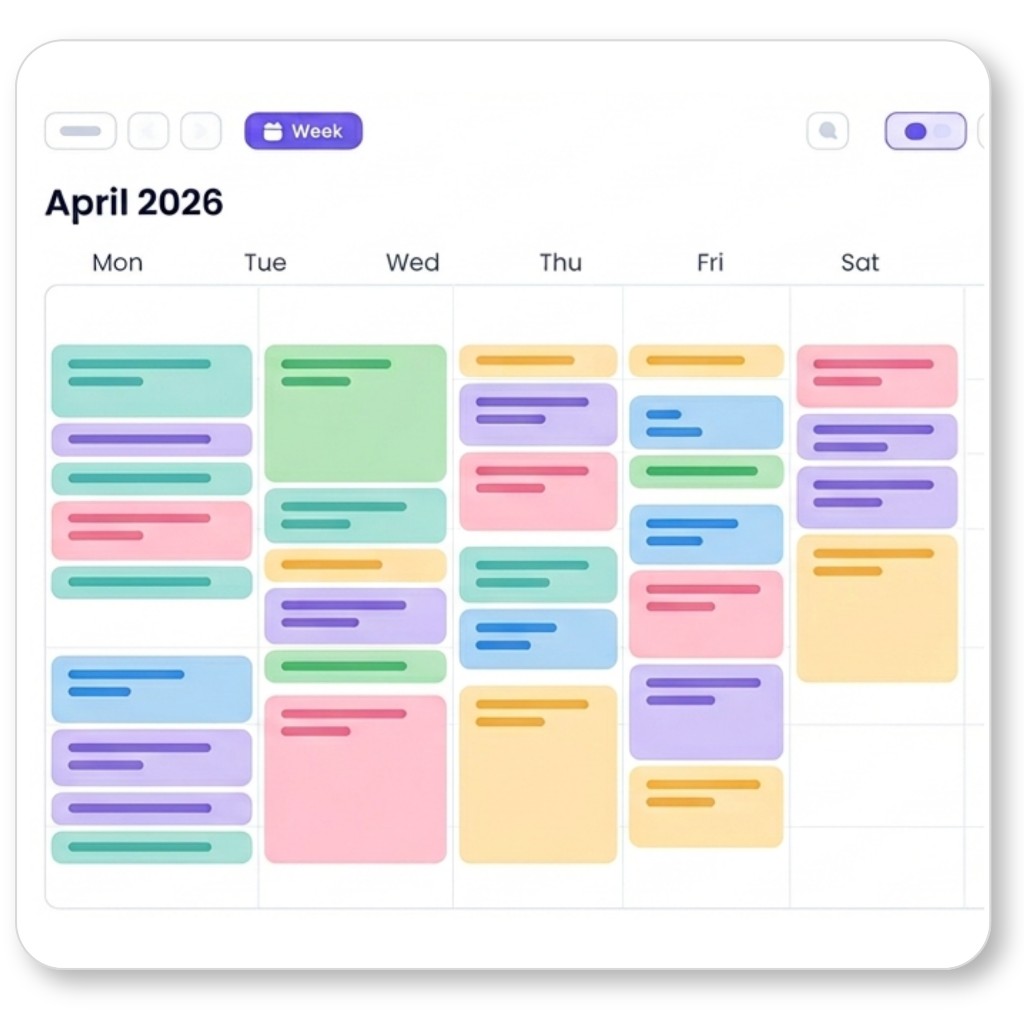
Tasks are placed into calendar slots using deadline, importance, duration, start date, timeslot rules, and occupied events.
A clear, minimalist overview of what Flowo does, feature by feature. Includes practical capabilities, integrations, AI behavior, and the strategic value that makes Flowo different.
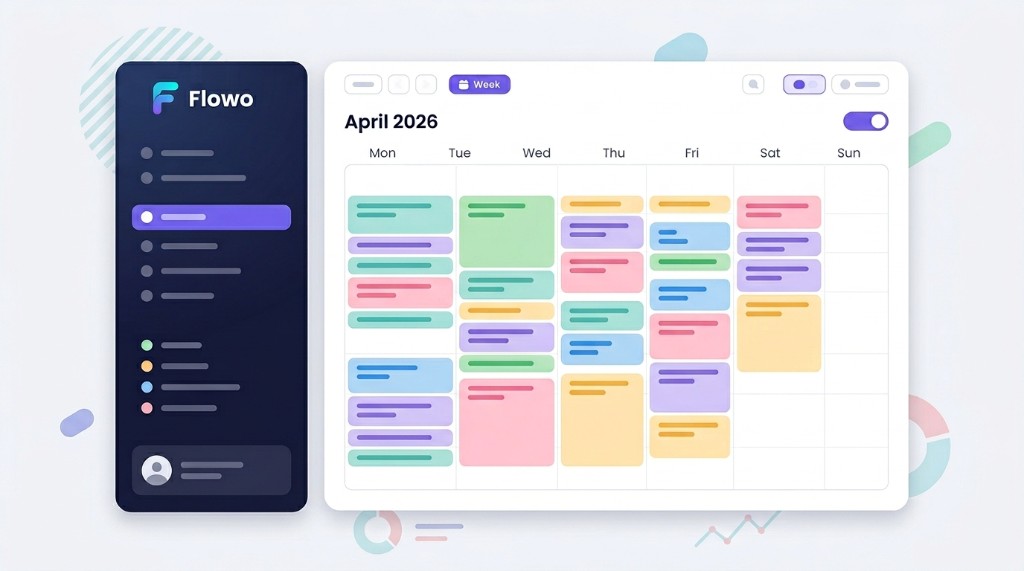
These are the live capabilities used in app and pricing communication, grouped by product workflow.
Tasks are placed into calendar slots using deadline, importance, duration, start date, timeslot rules, and occupied events.
One-click "Reorganize" forces a full replan, while scheduling also runs automatically after key changes.

Create tasks with sub-tasks, per-item durations, and completion tracking directly in the scheduler flow.
Large tasks can be split into smaller chunks to distribute effort and fit real availability windows.
Custom timeslots (work, evening, anytime) let users separate contexts and prevent schedule collisions.

Recurring and date-range blocks (sleep, lunch, meetings) are respected by scheduling logic.
OAuth sync with event import and scheduling constraints applied against live calendar occupancy.

Microsoft calendar sync with equivalent occupancy and event alignment in planning views.

Read-only external calendar subscriptions can be merged into scheduling constraints.

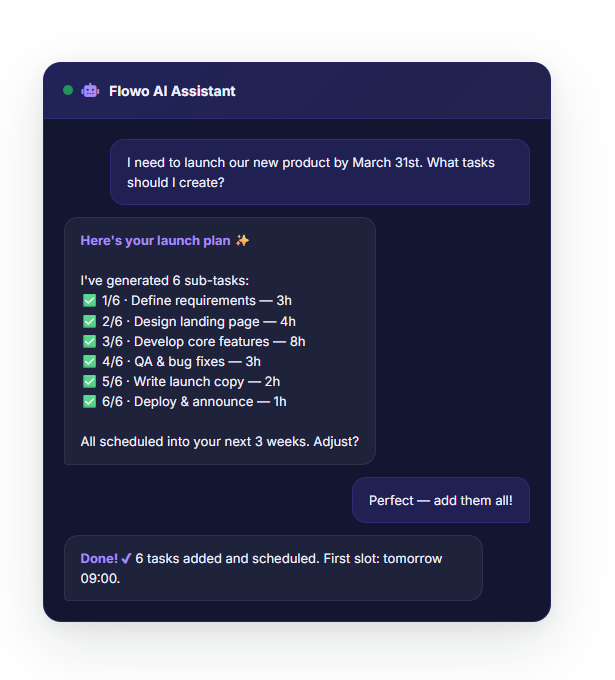
In-app assistant for prioritization, quick wins, support prompts, and guidance across planning context.
Folders and notes are integrated into user workflow for structured planning context.

Seat-based team plan, organizations, role controls, and assignment-ready workflow layers.

Each task carries an explicit priority score used in scheduling decisions.

Search tasks/events from sidebar to reduce navigation friction.
Color-coded project grouping with progress and overdue signals.

Event detail views surface meeting metadata where available.

Selected tasks can be elevated for short-term execution focus while preserving schedule continuity.

Clear overdue markers and completion states improve execution feedback.

Optional completion feedback (sounds/positive cues) to reinforce momentum loops.
Contextual onboarding and helper states to shorten time-to-first-value.

Installable app behavior from browser with persistent session and quick access.
Local persistence plus server sync with debounce/immediate save modes.

Forecast overlays in calendar for premium tiers to support planning quality.

Task data export and account controls for subscription/lifecycle management.
Beyond "task app" or "calendar app", Flowo merges planning, execution, and re-planning into one operational system.